Settings
Open Settings with the gear in the title bar or ⌘, (Ctrl+,). Changes apply when you click Save; Cancel drops them and Defaults resets the form to Chapar’s defaults. Appearance changes preview live.
General
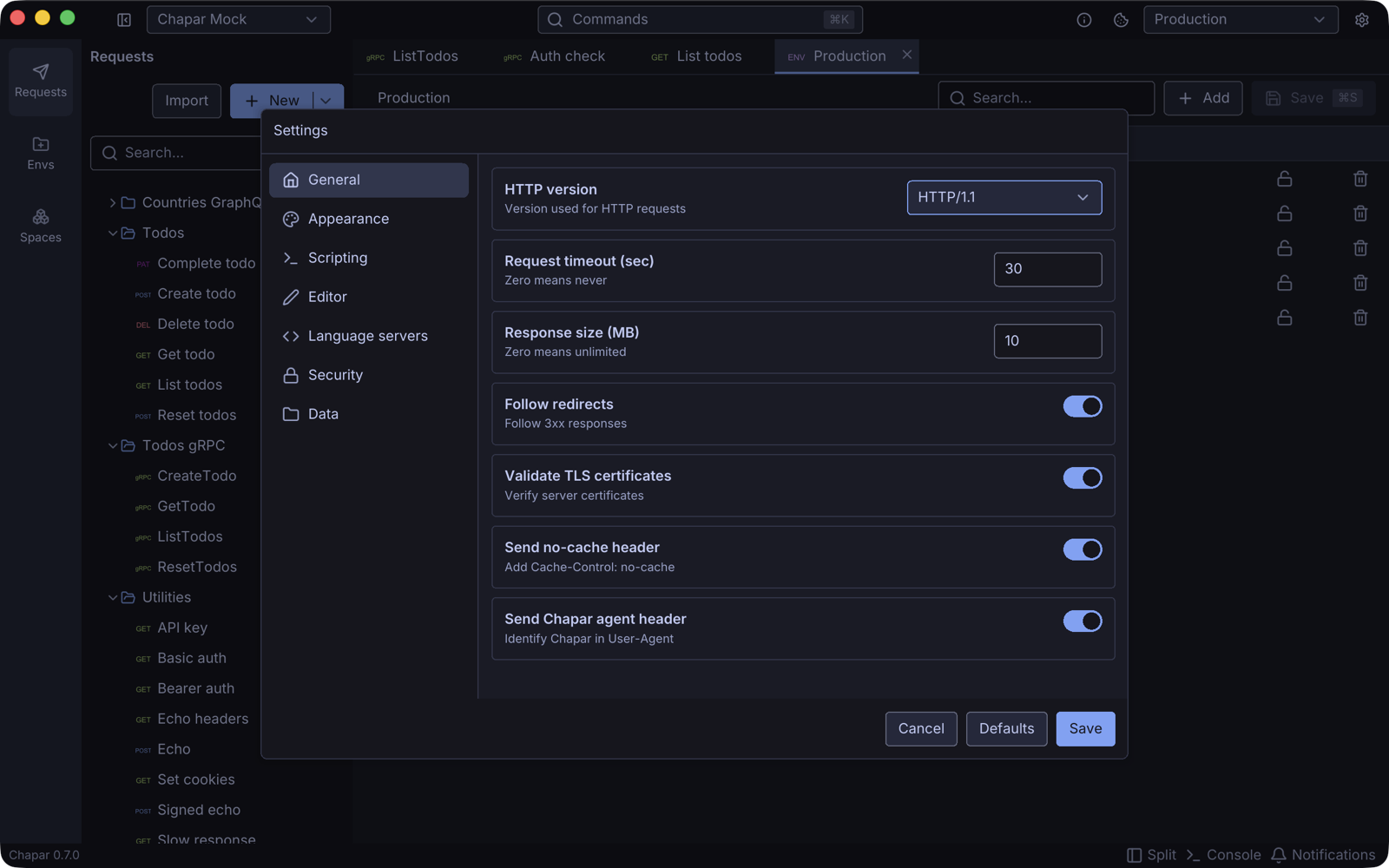
| Setting | Default | What it does |
|---|---|---|
| HTTP version | HTTP/1.1 | The HTTP version for HTTP requests: HTTP/1.1 or HTTP/2. |
| Request timeout (sec) | 30 | How long to wait for a response. 0 waits forever. |
| Response size (MB) | 10 | The largest response body Chapar reads. 0 means no limit. |
| Follow redirects | On | Follow 3xx redirects. |
| Validate TLS certificates | On | Check HTTPS certificates. Turn off for servers with self-signed certificates. |
| Send no-cache header | On | Add Cache-Control: no-cache to requests. |
| Send Chapar agent header | On | Send User-Agent: Chapar/<version>. |
Appearance
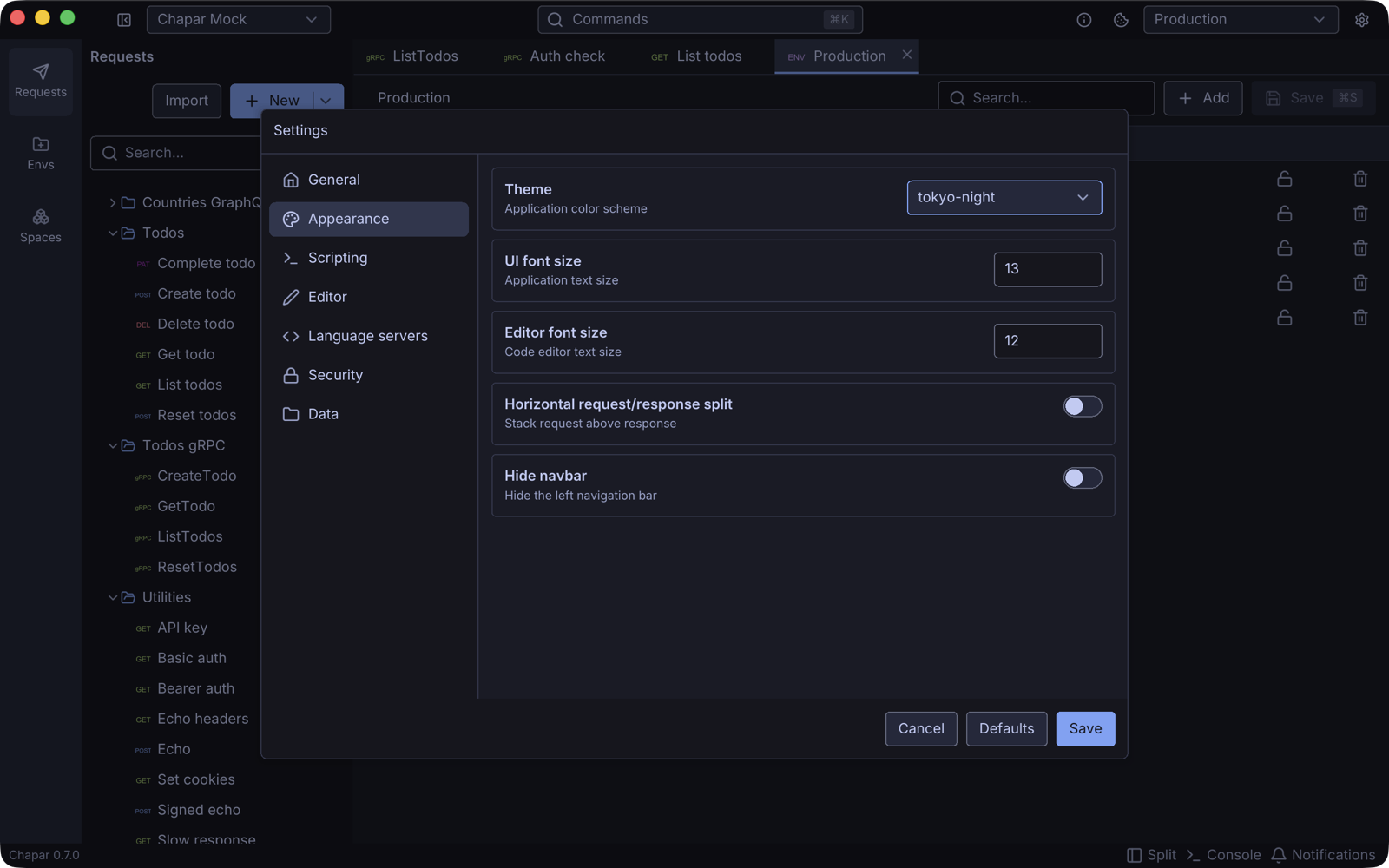
| Setting | What it does |
|---|---|
| Theme | The color theme: light and dark themes including Tokyo Night, Catppuccin, Dracula, Nord, Gruvbox, One, Solarized and GitHub. Every theme meets WCAG 2.1 AA contrast. |
| UI font size | The size of the app’s text. |
| Editor font size | The size of text in code editors. |
| Horizontal request/response split | Stack the request above the response instead of side by side. Split in the footer toggles it too. |
| Hide navbar | Hide the Requests / Envs / Spaces bar on the left. The pages stay reachable from the command palette. |
Scripting
Turns the Python executor on or off and configures it. See Python Scripting › Setup.
Editor
| Setting | Default | What it does |
|---|---|---|
| Font family | JetBrains Mono | The code editor font. |
| Font size | 12 | The code editor text size. |
| Indentation | Spaces | Indent with spaces or tabs. |
| Tab width | 4 | The width of a tab stop. |
| Auto close brackets / Auto close quotes | On | Insert the closing bracket or quote as you type. |
| Show line numbers | On | Show the line number gutter. |
| Wrap lines | On | Soft-wrap long lines. |
| Syntax highlighting limit (KB) | 2048 | Documents larger than this are shown without colors, because a highlighted document takes many times its size in memory. Large responses offer a Highlight anyway button. |
Language servers
Language servers add completion, hover documentation and diagnostics to code editors. Python (for scripts) uses pyright, which knows Chapar’s chapar, request and response objects. You can also turn on servers for JSON and XML bodies and for the languages of generated code.
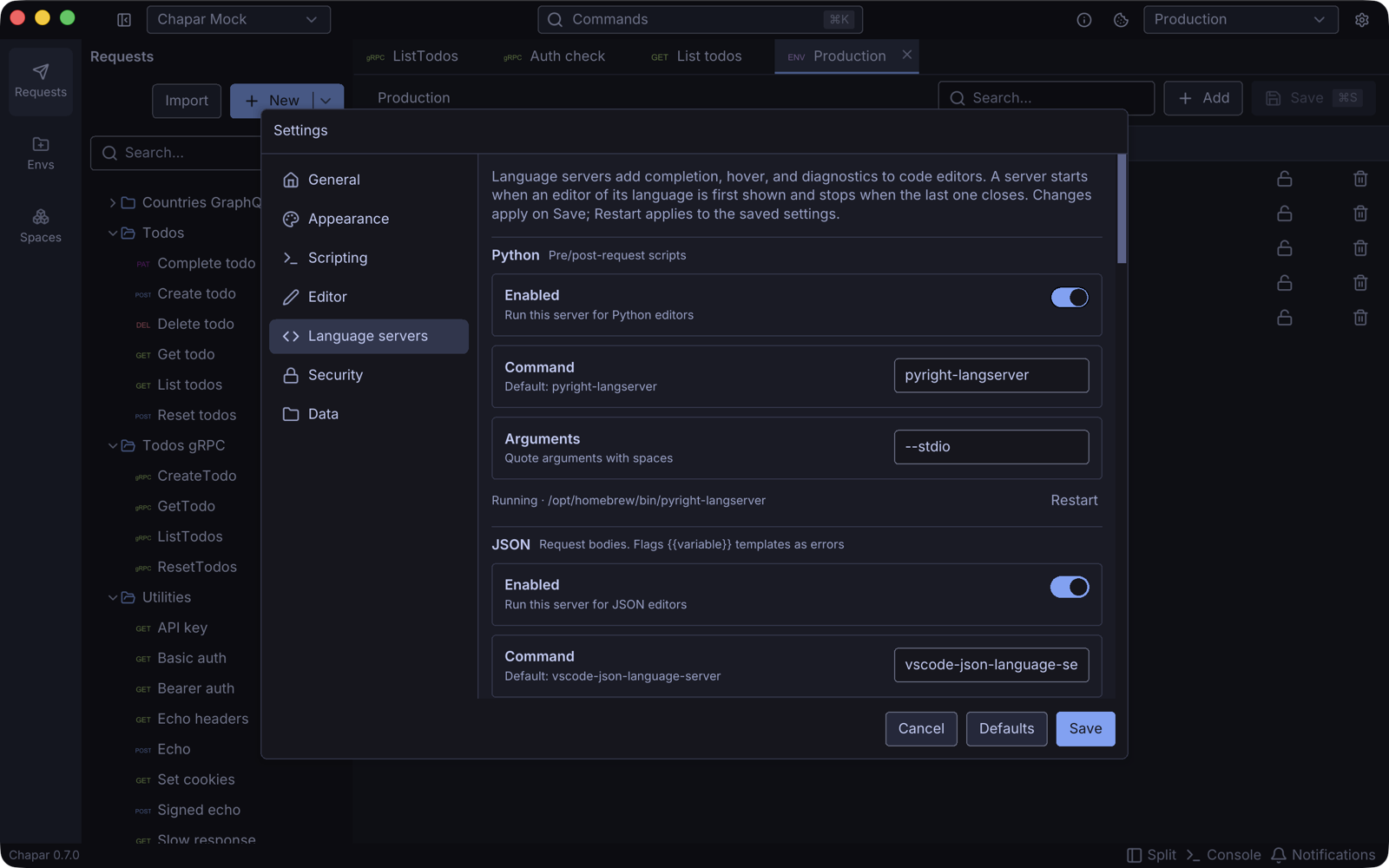
For each language you can turn the server on or off, and set the Command and Arguments that start it. The status line shows whether it runs. When a server is missing, Chapar offers to Install it; Restart restarts it with the saved settings.
| Language | Default command |
|---|---|
| Python | pyright-langserver --stdio |
| JSON | vscode-json-language-server --stdio |
| XML | lemminx |
| Go | gopls serve |
| JavaScript | typescript-language-server --stdio |
| Java | jdtls |
| C# | csharp-ls |
| Bash | bash-language-server start |
| Ruby | solargraph stdio |
A server starts when the first editor of its language is shown and stops when the last one closes.
Security
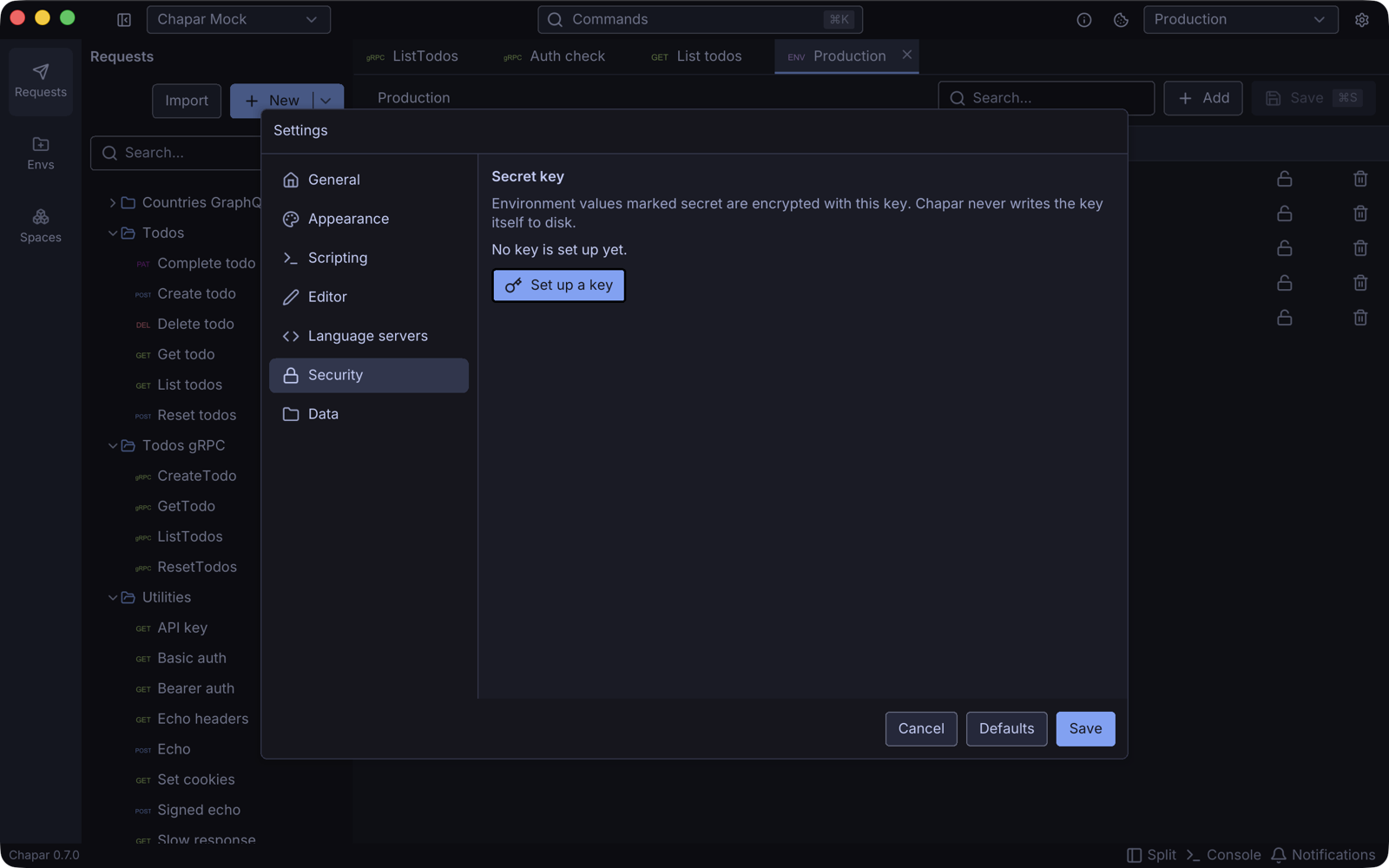
The key that encrypts secret environment values. Set up a key, show it, replace it with a key you paste, or remove it from this machine. The key is kept in your OS secret store and never written to disk by Chapar.
Data
Workspace path is the folder where your spaces are stored. Change it to keep your collections in a git repository or a synced folder, then restart Chapar. See Where your data lives.
Proxy
Settings for the traffic capture proxy.
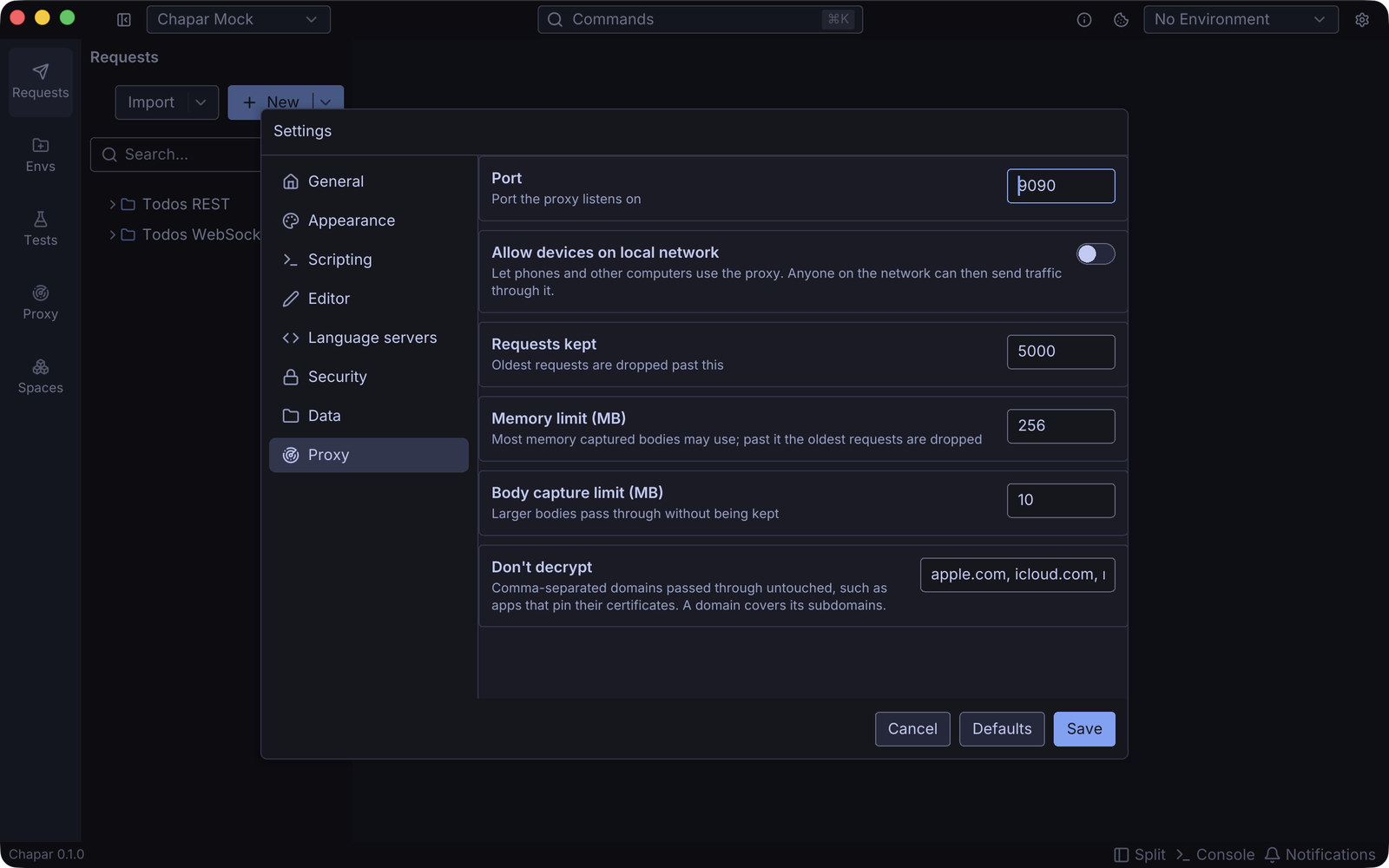
| Setting | Default | What it does |
|---|---|---|
| Port | 9090 | The port the proxy listens on. |
| Allow devices on local network | Off | Listen on every network interface so phones and other computers can use the proxy, not just this computer. Anyone on the network can then send traffic through it while it runs. |
| Requests kept | 5000 | Past this, the oldest captured requests are dropped. |
| Memory limit (MB) | 256 | The most memory captured request and response bodies may use. Past it, the oldest requests are dropped. |
| Body capture limit (MB) | 10 | Bodies larger than this pass through without being kept. |
| Don’t decrypt | Apple’s domains | Comma-separated domains passed through without decrypting, such as apps that pin their certificates. A domain covers its subdomains; *.example.com covers only subdomains. |
The port, network access and body limit apply the next time you start the proxy. The other settings apply right away.